



What’s New in TYPO3 v13?
TYPO3 v13 marks the beginning of a new era of user-friendliness. The version impresses with a modern, fresh, and incredibly high-performance user interface—developed for anyone who…
Read more: What’s New in TYPO3 v13?

Workspaces is a TYPO3 core extension to preview content changes across a site. My previous post was an introduction to content staging in TYPO3’s Workspaces. I showed a basic use case: Adding a new page to your website. Now, let’s go a little further. Here’s how to update and preview content changes on multiple pages, including translations, and finally publishing all changes to live across multiple pages at once.
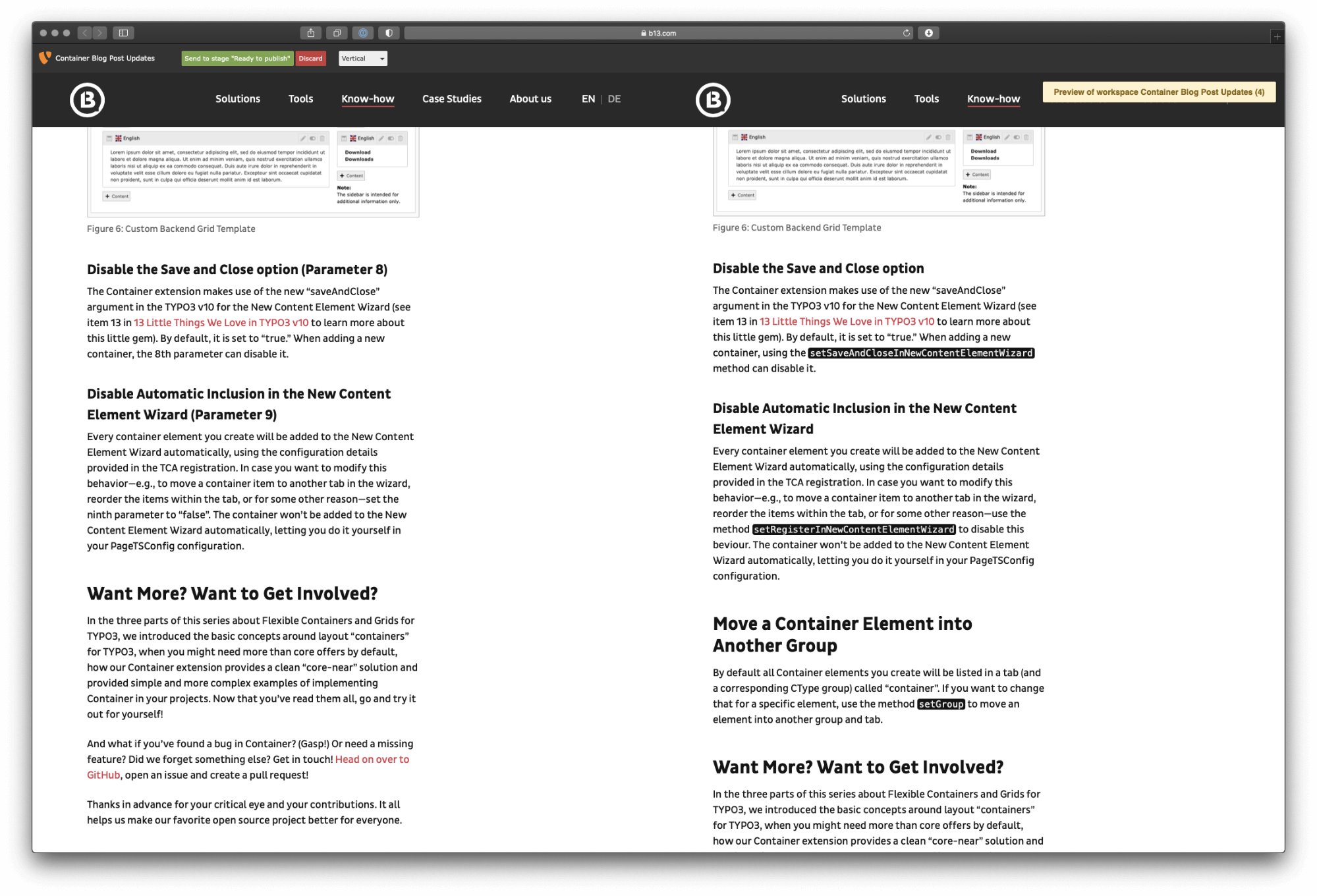
A few weeks back we updated our Container extension. This update included some breaking changes and also added easier and more complete registration of a Container object. A few months earlier, we had published a series of blog posts discussing the Container extension, including code snippets, setup instructions, etc. Due to the extension changes, all of these posts had to be updated after releasing the new version.
Here’s what we had to do:
There’s more than one way to solve this problem, and we have seen lots of creative workarounds for this basic use case. Each has its own problems.
There are probably even more ways to do this, and perhaps one of these workarounds works more or less in the way you want to. However, preparing these multiple changes to go live at once shouldn’t be so difficult and error-prone. On high traffic sites or with changes that span many pages, the risk for broken links creates a poor user experience.
This isn’t some kind of exotic requirement, or an edge case. It is one of the main reasons you would want to use a CMS in the first place. For a CMS that proudly tells the world “I am an Enterprise Open Source CMS” preparing multiple changes to go live at once should not be a problem at all.
And, luckily with TYPO3, it isn’t.
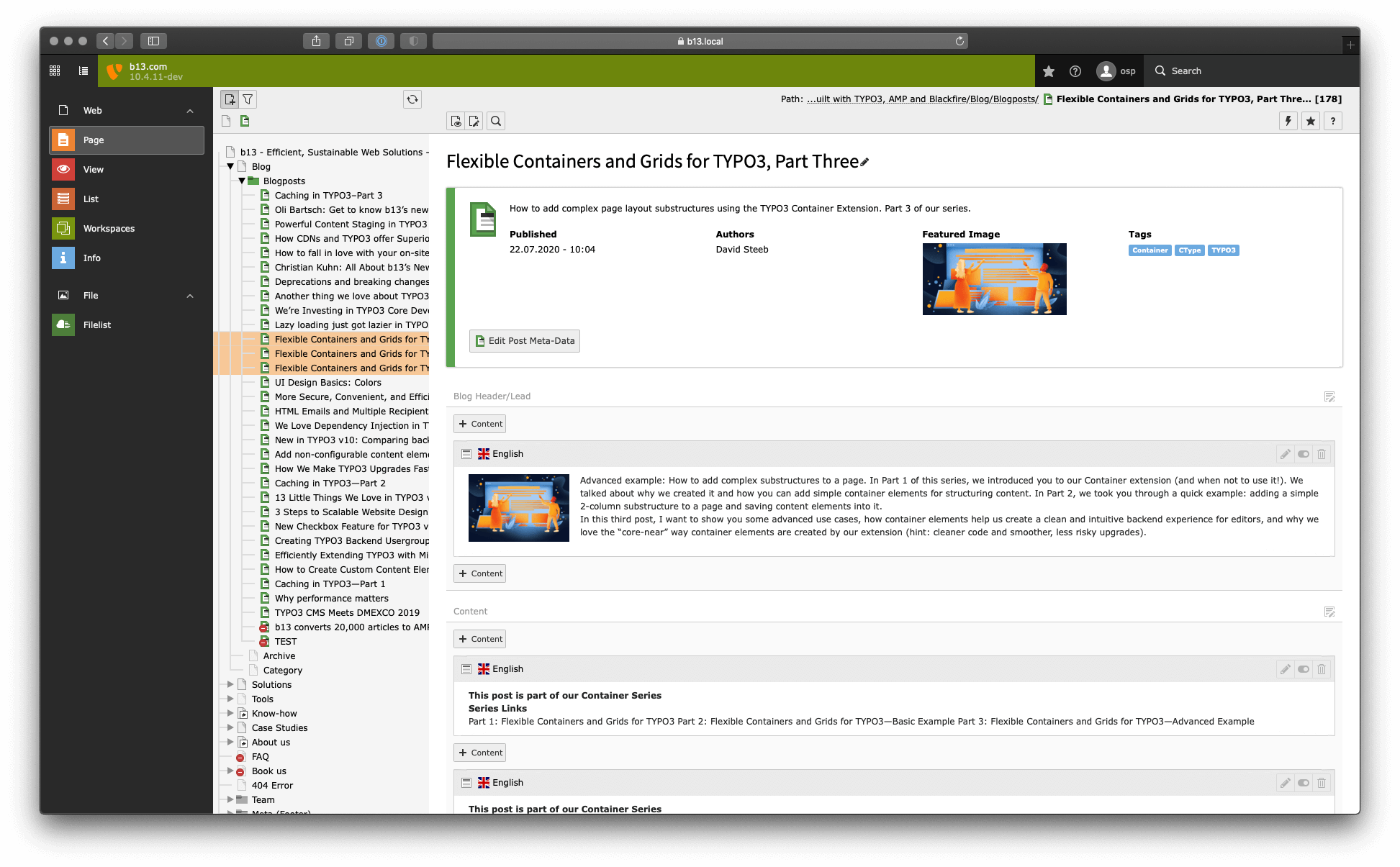
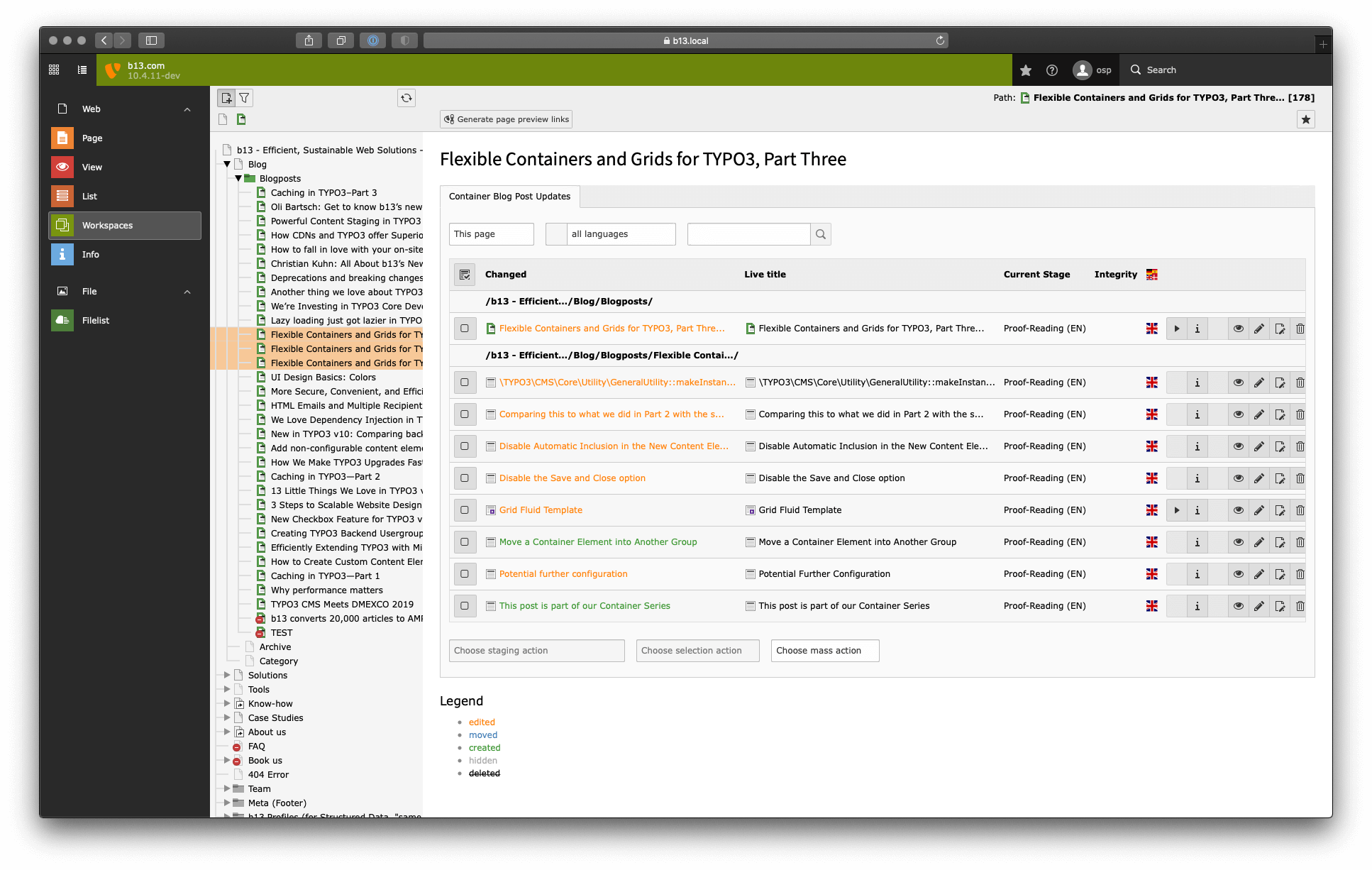
What we’ll do in this tutorial. For our example we have to update three blog posts, meaning three individual pages. First, we’ll update the English version of the blog posts, then let our proofreaders add changes. Next, we’ll translate the changes into our German version of the blog posts and do a quick last check. Finally, we publish the changes to all three blog posts in both languages with a simple click.
So here’s a step by step guide on how to update multiple pages (in multiple languages) at once using TYPO3’s Workspaces Feature:
Within a workspace, you can safely play around with all the content, add content, remove images, etc, and test the changes. And you can create preview links for external reviewers.
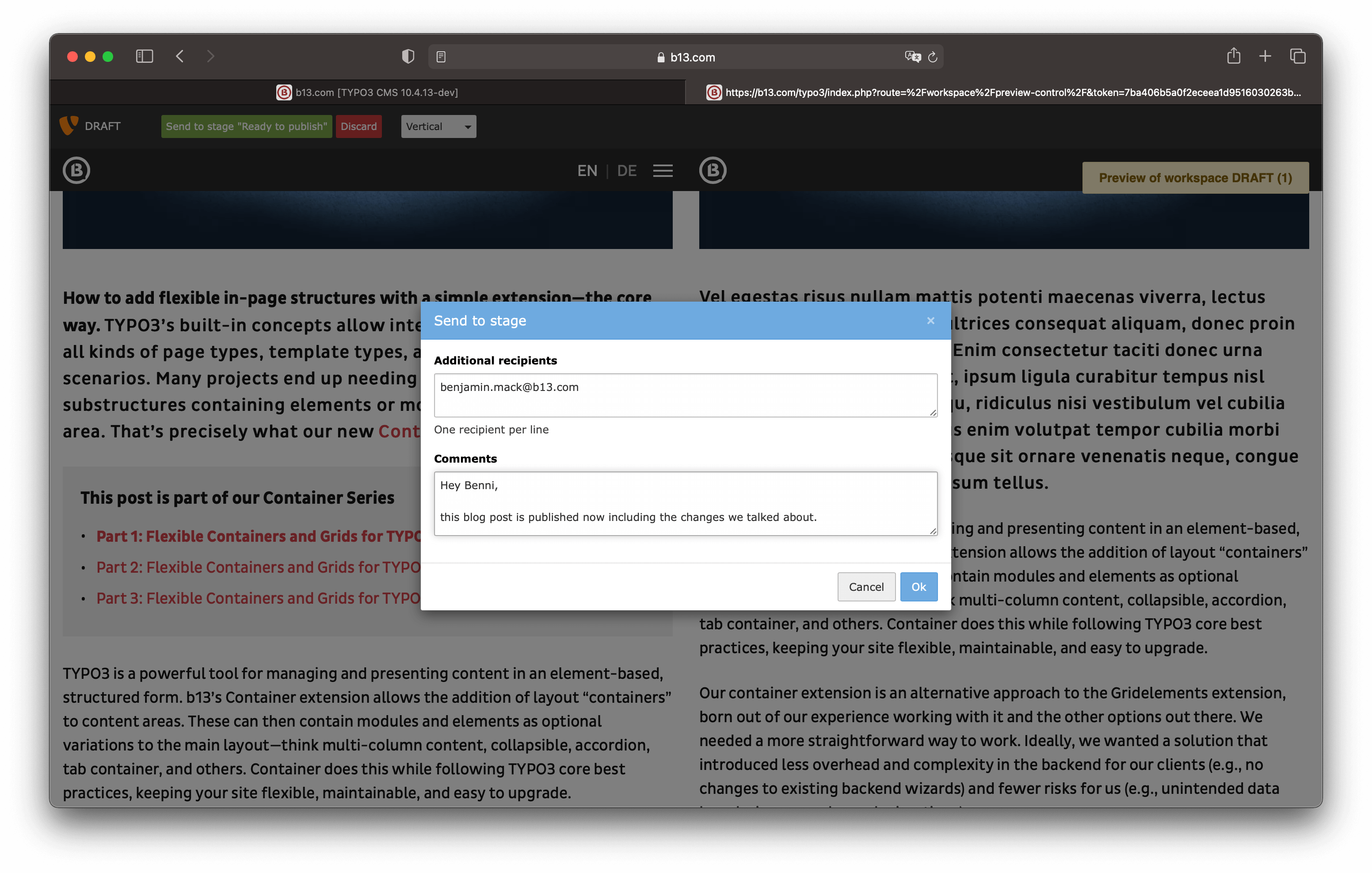
You can add new content, completely restructure the page, move pages, etc. In our case we edited blog posts in our main language first. Once we were done we sent our changes off to our proofreading team and marked the changes as “Proof-Reading”.
Our proofreading team then can see all changes, view the differences between the live version of the page and the edits we added, side-by-side. They can make edits, send the changes back to the editing stage if there’s any issues to resolve, or mark the changes as “Ready to Translate”. You can also generate preview links for external reviewers.
In our case we translate the changes to the German version of our blog posts and do the review ourselves.
Awesome! We updated the whole series on our website at the same time.
Being able to do this is very important if you change sections of your website that only make sense if they are all published. You can prepare changes this way to be ready for planned changes in advance.
Since there is no technical limit to the number of changes in a workspace this is sufficient for both smaller changes as well as bigger edits that change and rearrange full sections of a website. We even had use cases (actually have one now) where basically the whole website structure including the sitemap and the main navigation is being reworked in a workspace to restructure the client’s whole website (across five languages).
We’re working on improving workspaces, one bug and feature proposal at a time. That’s why we’d love to hear from you if you’re either using Workspaces, or you would like to.

TYPO3 v13 marks the beginning of a new era of user-friendliness. The version impresses with a modern, fresh, and incredibly high-performance user interface—developed for anyone who…
Read more: What’s New in TYPO3 v13?
This blog post explains the concept of the “overlays” mechanism in TYPO3, with some in-depth insights on how the TYPO3 Core Engine deals with this feature under the hood.
Read more: The Elegant Efficiency of TYPO3 Overlays
Dive deep into content staging capabilities of CMS giants: TYPO3, AEM, and Hubspot. Discover why open-source TYPO3 wins in robustness, flexibility, and affordability.

Discover how TYPO3 Workspaces can improve collaboration in your projects. Learn to set up Workspaces, manage access, and unlock advanced features for a seamless content management…
Read more: Optimizing Collaboration and Version Control in TYPO3: A Guide to Workspaces
One of TYPO3’s powerful features for content publishing is Workspaces—creating and staging in a draft environment before publishing content. TYPO3 v11 adds a few important touches…
Read more: Workspaces Improvements
If you need to publish or update content in multiple languages at the same time, or involve others to sign off or edit content before publishing, then content staging is the…
Read more: Powerful Content Staging in TYPO3 with Workspaces
Meet our newest team member and bug-fixer-in-chief for TYPO3 Workspaces.
Read more: Christian Kuhn: All About b13’s Newest Team Member and his TYPO3 Career So Far
Workspaces are a killer feature in TYPO3 and we’re helping it reach its full potential. Find out how you can help or support us!
Read more: We’re Investing in TYPO3 Core Development and You Can Too